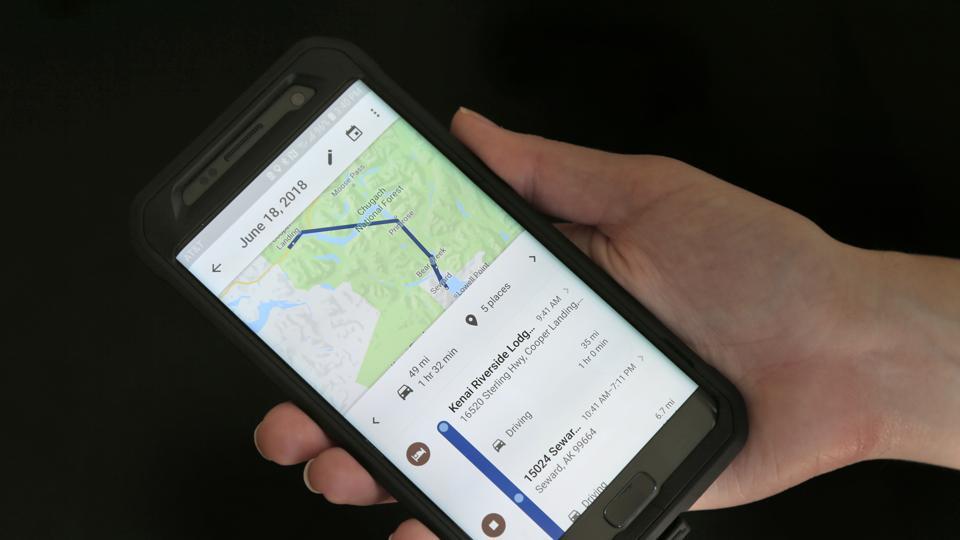
Google Maps is probably one of the most useful apps and the search giant regularly adds new features to it in order to improve user experience. Google Maps recently got a new feature using which users can see the speed at which they are driving.
In order to enable speedometer on Google Maps, users have to follow these steps:
• Open Google Maps
• Tap on the three-line button on top left corner
• Choose setting from the menu
• In the Settings page, tap on Navigation settings
• Go to driving options section
• Enable the Speedometer
If you are not able to see this feature on your device, you should ensure that you are using the latest version of the Google Maps app. This was rolled out in June this year and is now available for all users pan India.
Apart from adding the speedometer, Google has also introduced a feature on Maps through which the user can check the local speed limit. This feature can be turned on and off from Navigation Settings in the menu.
Google Maps already has a feature through which users are informed about the spots where the speed cameras are installed. The search giant’s offering also notifies its users if an accident that has taken place on their route.
Some users had complained about the inaccuracy of the information to which Google rolled out a feature called “add a report”. With this feature users can individually add an accident that they see on the road or spot a speed camera that is not marked on the maps.
Apart from these, Google has also launched an India exclusive feature “stay safer”. This feature is particularly beneficial for those commuting by taxi or auto.
Through “stay safer” a user will be notified through a buzz on the phone, in case the driver diverts for more than half a kilometer from the route shown by Google Maps. This feature can be turned on by selecting “stay safer” and “get off-route alerts”. One can also share live trip status directly from the app.
























 WhatsApp us